
CAD Drafting & Modelling Services Auckland & NZ Wide
Recon provides CAD drafting and modelling services across Auckland and New Zealand. We use AutoCAD and Civil3D to produce accurate 2D drawings and 3D models from survey data, laser scans, aerial mapping and LiDAR capture. With nearly 45 years of combined CAD experience, our team turns field data into drawings your designers can rely on.
Why Use CAD?
Design decisions are only as good as the information behind them. Our CAD service turns the data we capture on site, from total station and GNSS surveys, 3D laser scans, aerial mapping and drone LiDAR, into accurate, editable drawings and models that slot straight into your design workflow.
Architects, engineers, councils and asset owners use our CAD outputs to plan renovations, design upgrades, check clearances and keep accurate as-built records, without the rework that comes from guessing what's on site.
Our CAD Expertise
We have nearly 45 years of combined CAD experience and have contributed to a wide range of high-profile projects. Using AutoCAD and Civil3D, we deliver everything from 2D floor plans and site plans to detailed 3D models, including CAD conversion, parametric modelling and scan-to-CAD, tailored to your standards and software.
Because we capture the data ourselves, our CAD team works from verified, survey-controlled information rather than old drawings. We work with architects, engineers, councils, contractors and asset owners, and Recon holds SiteWise Gold accreditation for health and safety.
While our focus is the Auckland and Waikato regions, we also undertake projects across New Zealand and have proudly completed several international projects.
Ready to get started? Request a CAD quote from our Auckland-based team →
Our CAD Workflow
1. Data receipt and review
We review the survey, scan, LiDAR or aerial data, plus any existing drawings, and confirm the scope, level of detail and deliverables you need.
2. Coordinate system setup
Data is set up on the correct coordinate system and datum, so drawings tie into your site, LINZ survey marks and other project data.
3. CAD file build
Our drafters build the 2D drawings, 3D surfaces or models in AutoCAD and Civil3D from the verified data.
4. Layer and standards compliance
Files are set up to your CAD standards, layer conventions and templates, ready for your designers to use.
5. Client review and revision
We share drafts for review and make any changes before final issue.
6. Final export and delivery
Final files are exported in the formats you need (DWG, DXF, DGN or PDF) and delivered with supporting notes.
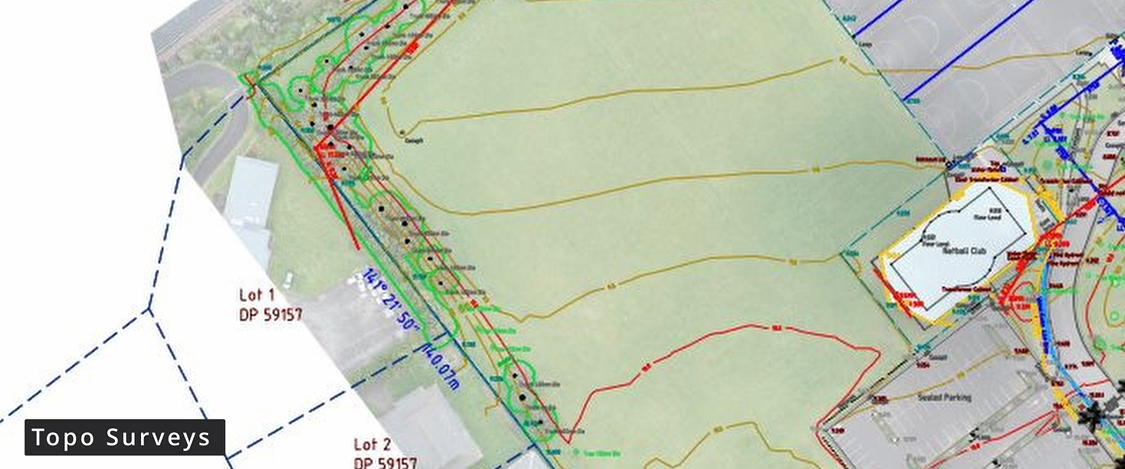
Topographic Survey
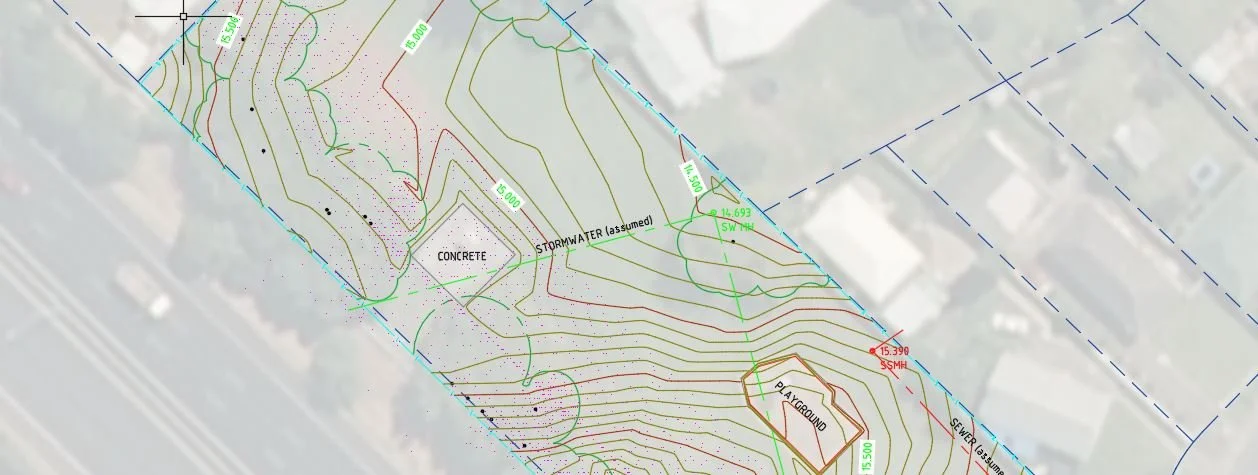
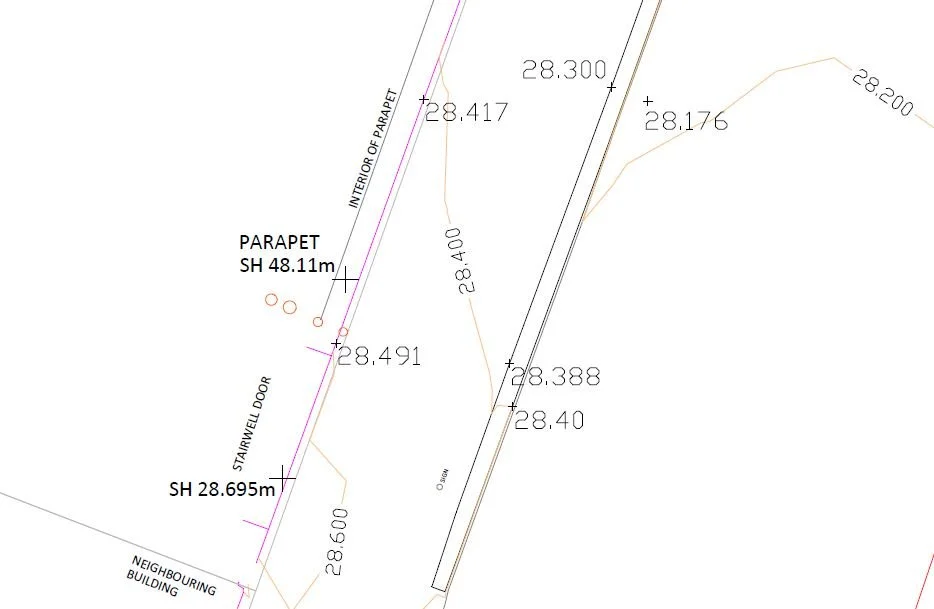
Detailed and accurate maps, plans and topographical models for construction projects, including building layouts and site plans, easily updated as new survey data becomes available.
3D Scan Asbuilt
Aerial Mapping
Case Studies
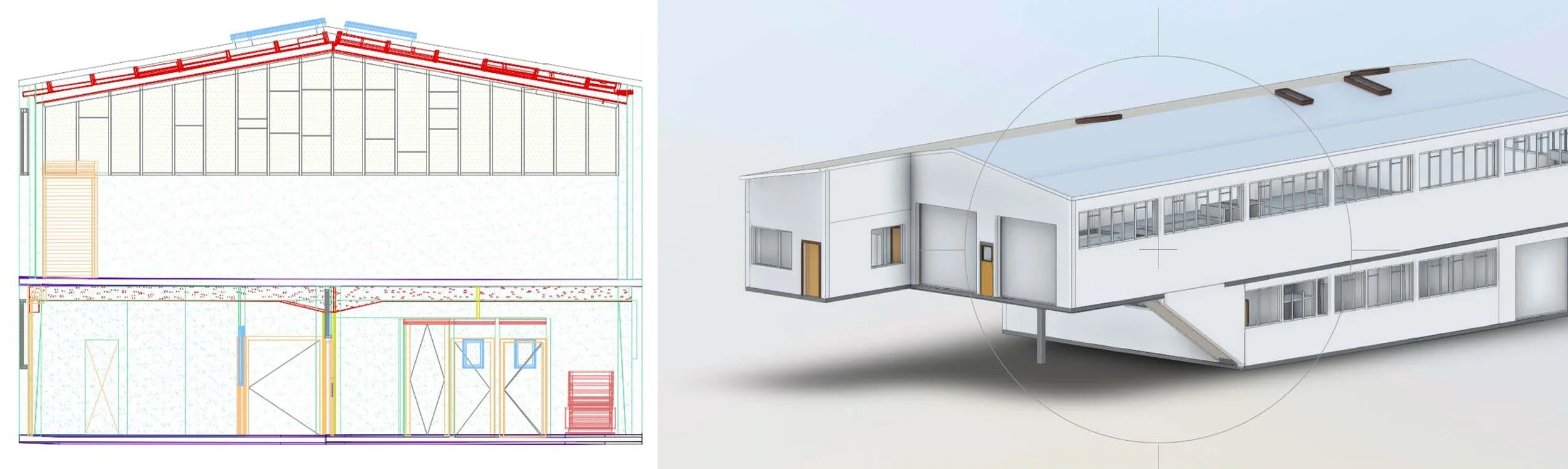
Building Renovation
Problem: Renovating ageing commercial buildings without accurate as-built information can lead to costly surprises, design rework and construction issues. The existing structures needed precise measurement before redesign could begin.
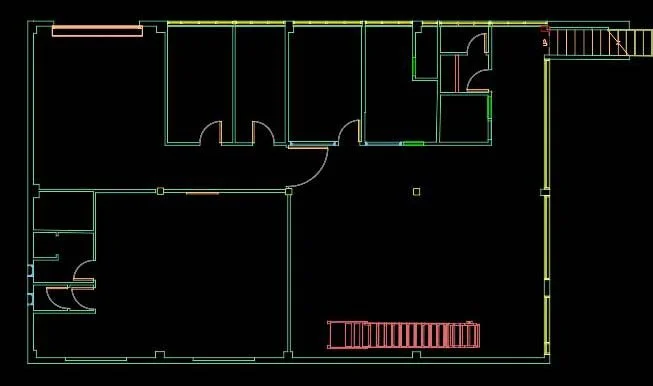
Approach: The buildings were laser-scanned using FARO Focus 3D scanners, capturing over 100 scans in 6 hours. The data was registered to LINZ survey datum for sub-centimetre accuracy, then converted into coordinated pointclouds and detailed 3D CAD models.
Outcome: Accurate IFC and DWG CAD models were delivered within two weeks, allowing the designer to focus on high-quality design with confidence. The precise as-built data reduced risk, improved documentation accuracy and supported a smoother construction process.
Watercare Asset Management – Pump Station Modelling
Problem: Watercare needed a better way to manage and renew ageing wastewater assets, as reactive maintenance and outdated as-built drawings increased risk and uncertainty during planning and design.
Approach: Through Watercare’s Wastewater Targeted Asset Renewal Programme (TARP), Recon captured accurate 3D pointcloud data and produced detailed CAD models of pump stations. Using laser scanning and survey control, we modelled internal and external structures and equipment with high accuracy, coordinating scanning with maintenance schedules to minimise disruption.
Outcome: Watercare gained a clear, reliable understanding of its assets, enabling informed decision-making, reduced risk and more effective planning for renewals over the next five years.
What is CAD?
CAD refers to the use of computer software to assist in the creation, modification and analysis of designs. It provides a digital environment where users can draw, measure and organise geometric elements with a high level of precision. By using mathematical coordinates and defined relationships between objects, CAD allows designs to be created and edited accurately.
In surveying, CAD is the drafting and modelling platform that turns spatial data into structured drawings. Its tools support precise measurement, scaling, layering and editing, keeping complex design information consistent throughout a project. At Recon we use AutoCAD and Civil3D, the industry-standard tools used by New Zealand engineers and designers.
Benefits of CAD
One of the main advantages of using CAD in surveying is that it allows surveyors to create accurate and precise designs and models, which can be easily modified and updated as new survey data becomes available. CAD software also allows surveyors to perform complex calculations and analyses, such as terrain modelling and volume calculations, which can help to optimise surveying and construction projects.
What Deliverables Will You Receive?
CAD drawing files – Editable files so engineers, architects and planners can continue working with the data. Formats: DWG, DXF or DGN.
Site plans – The layout of a site, including property boundaries, buildings, roads, utilities and other key features. DWG and PDF.
Topographic maps – The terrain of a site, including elevation changes, contours and natural features such as trees, waterways and slopes. DWG and PDF.
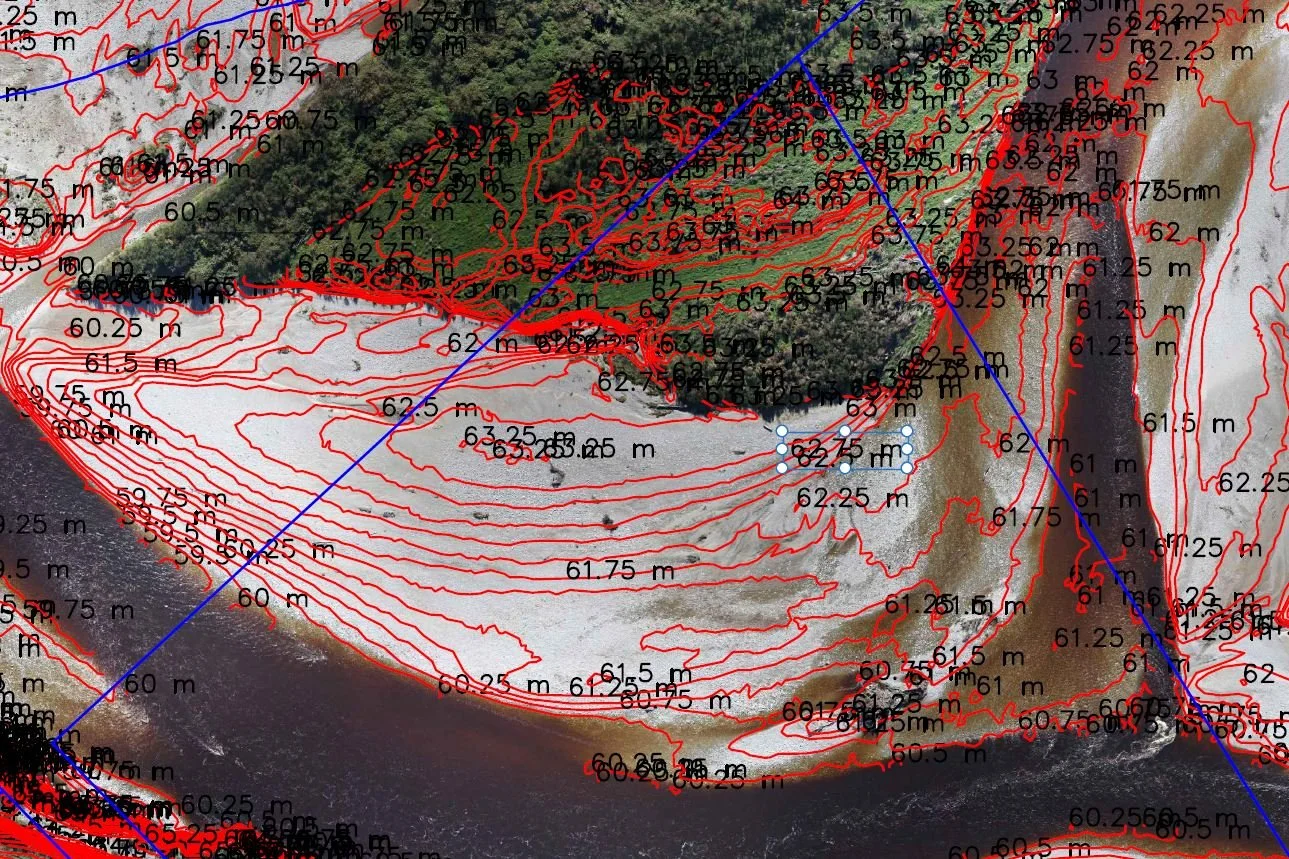
Contour plans – Lines of equal elevation across a site, helping engineers and planners understand the shape and slope of the land. DWG or DXF.
As-built drawings – The final constructed position of structures, utilities or infrastructure after a project has been completed. DWG and PDF.
3D terrain models – 3D surface models of the land, used for grading, drainage and design analysis. Civil3D surface, TIN or DXF.
Cross-sections and profiles – Vertical slices through terrain or infrastructure, commonly used for roads, drainage, pipelines and earthworks. DWG and PDF.
PDF plans for review and sharing – PDF versions of plans so they can be easily shared with project stakeholders.
Need accurate CAD drawings or models? Talk to our team today →
Industries We Work With
-
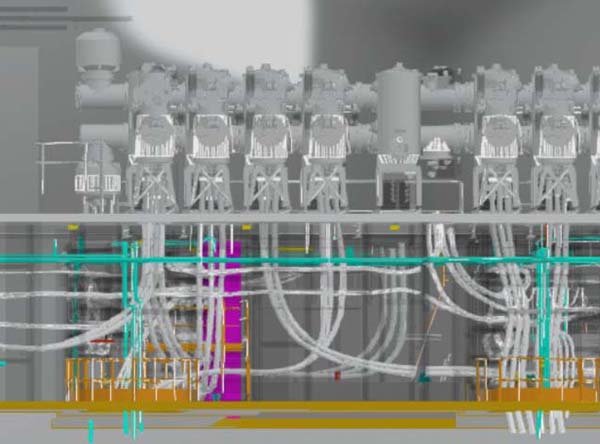
Energy & Utilities
Solar and wind farms, power lines, substations and telecommunications towers.
-
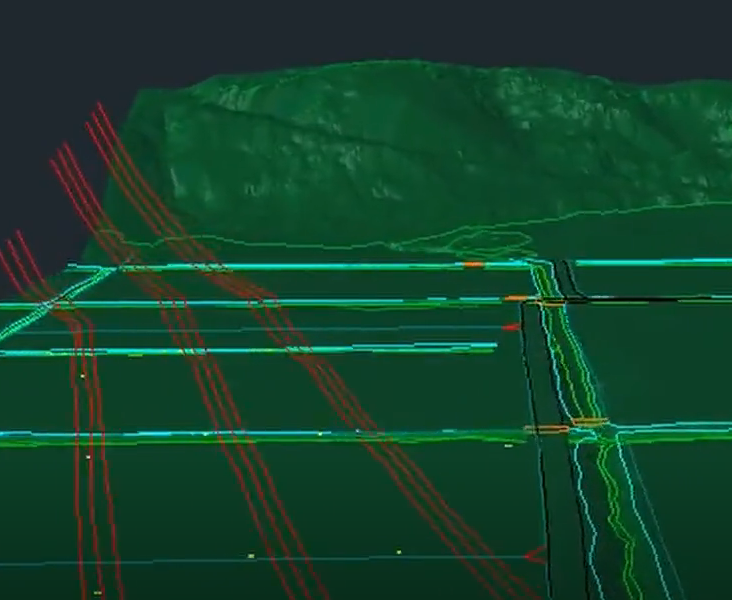
Solar & Wind Farm Surveys
Drone LiDAR and topographic surveys for renewable energy sites, from feasibility to as-built.
-
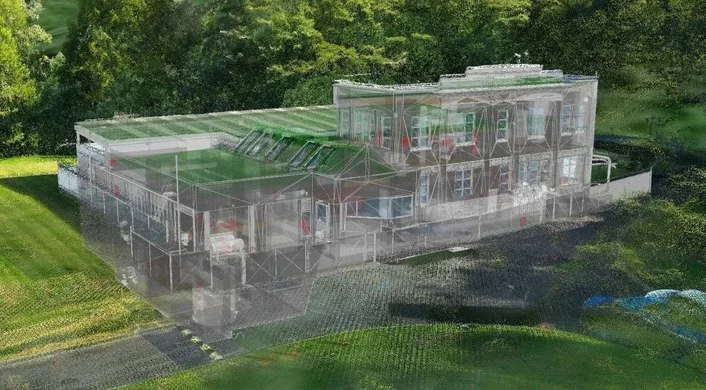
Water & Wastewater
Treatment plants, pump stations and network sites, scanned and modelled for upgrades.
-

Architecture, Construction & Engineering
Scan-to-BIM, as-builts, site surveys and construction monitoring.
-
Local Government
Reality models, coastal monitoring, environmental surveys and council assets.
-
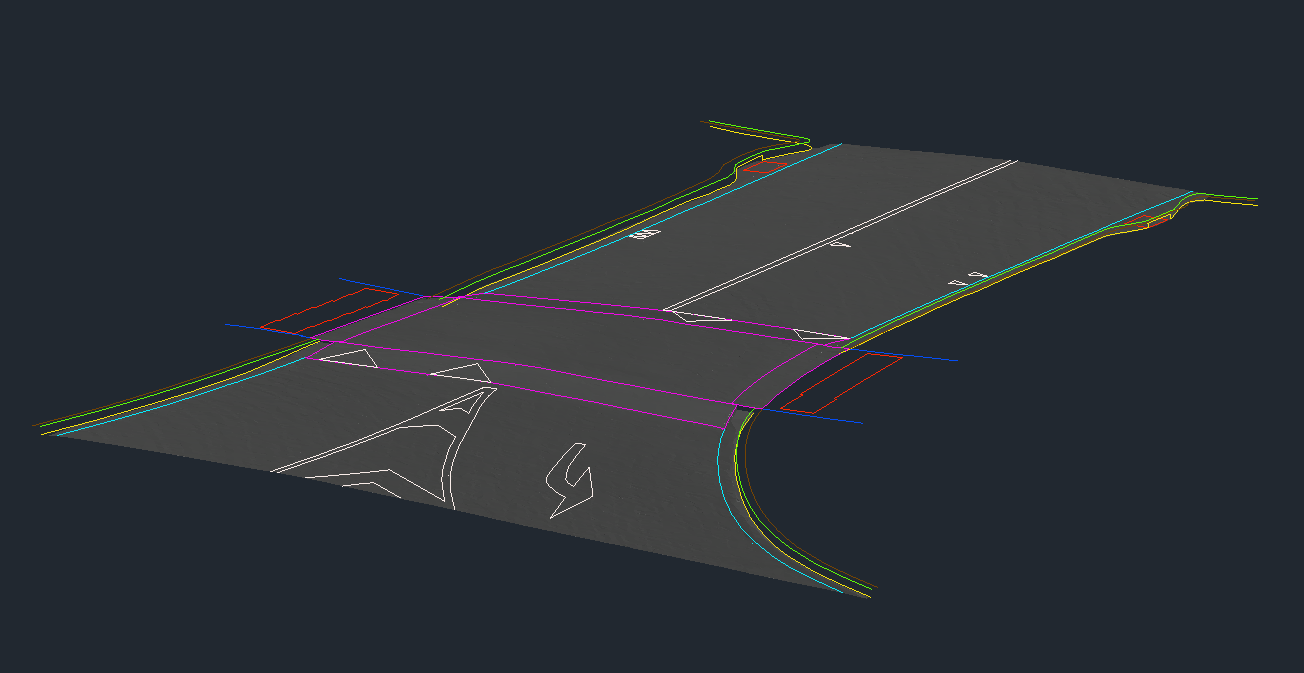
Transport & Infrastructure
Road and rail corridors, bridges, tunnels and natural hazard surveys.
-
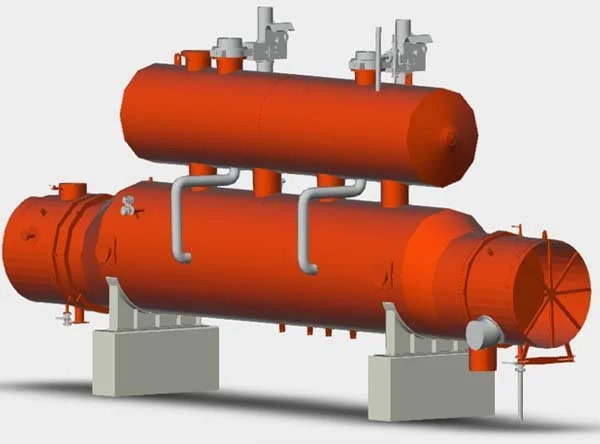
Industrial & Manufacturing
Plant and factory scanning, clash detection and reverse engineering.
-
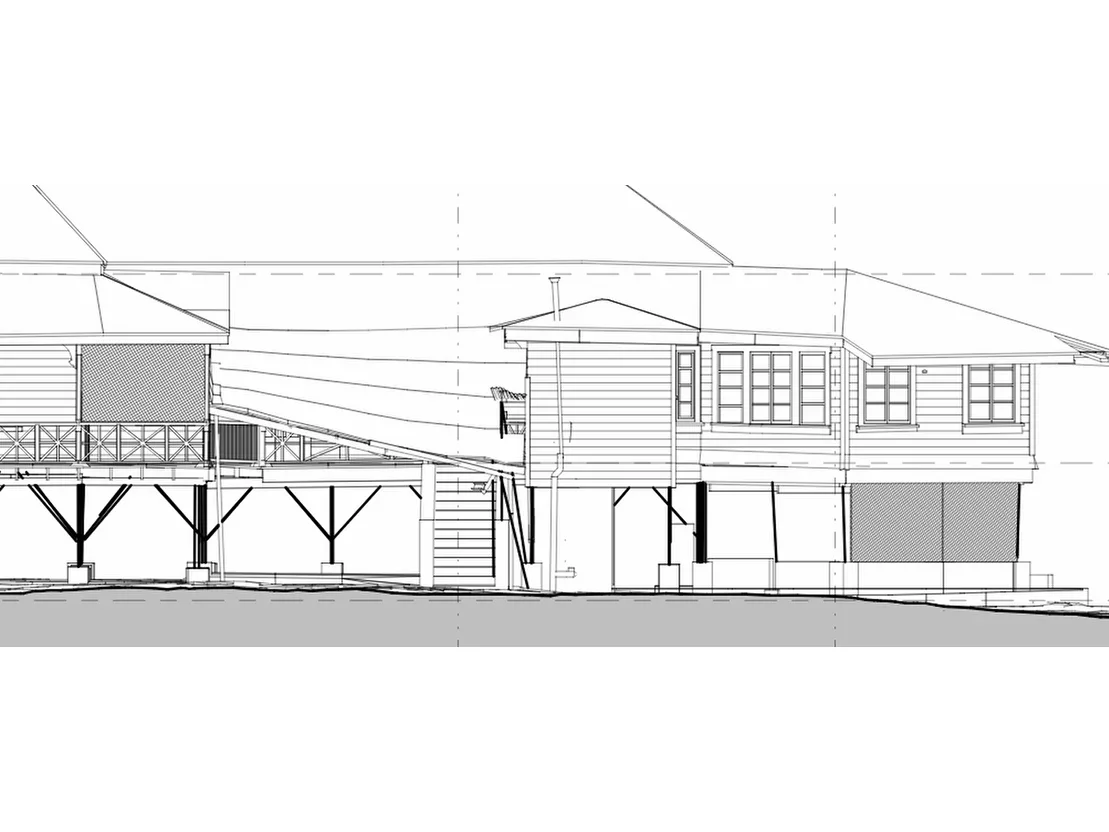
Heritage
Non-contact records for conservation, strengthening and virtual access.
-
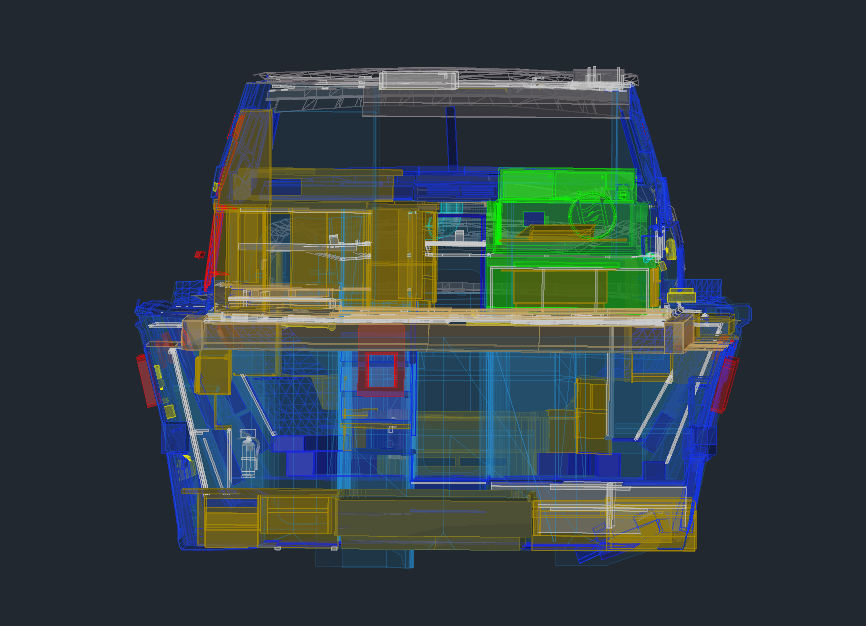
Marine
Hulls, yachts and components scanned and reverse engineered.
FAQs
Why would I use CAD?
CAD helps you produce highly accurate and detailed designs, visualise ideas before they are built, boost productivity and make the design process more efficient.
How does CAD software work?
CAD software provides a digital workspace where users can create, edit and manage virtual designs. It includes tools for drawing, modelling and modifying objects, as well as features for viewing designs from multiple angles, adding dimensions, applying materials and running simulations.
What are the advantages of using CAD over traditional manual drafting?
Compared to manual drafting, CAD allows quicker design changes, precise measurements, easy revisions, automated documentation and the creation of complex 3D models. It also improves collaboration and makes sharing designs much more efficient.
Can CAD software help me with 3D modelling?
Yes, CAD software is commonly used for 3D modelling. It provides tools to build three-dimensional objects and structures, making it easier to visualise and analyse designs in a virtual space.
Can CAD software help with engineering analysis and simulations?
Many CAD programs integrate with analysis and simulation tools. These allow users to perform stress tests, fluid flow simulations, thermal analysis and other calculations to improve performance and reliability.
Can I integrate CAD with other software tools I use?
Yes, most CAD software supports integration with other programs. Designs can be imported into rendering software for realistic visuals or exported to manufacturing and production tools.
Send us your plans, data or project requirements and our Auckland-based team will be in touch. We work across Auckland, Waikato and NZ wide.